Instagram Reels maker
Create Instagram Reels with trendy editable templates, animated text, captions, music, logos, and more. No video editing expertise required.
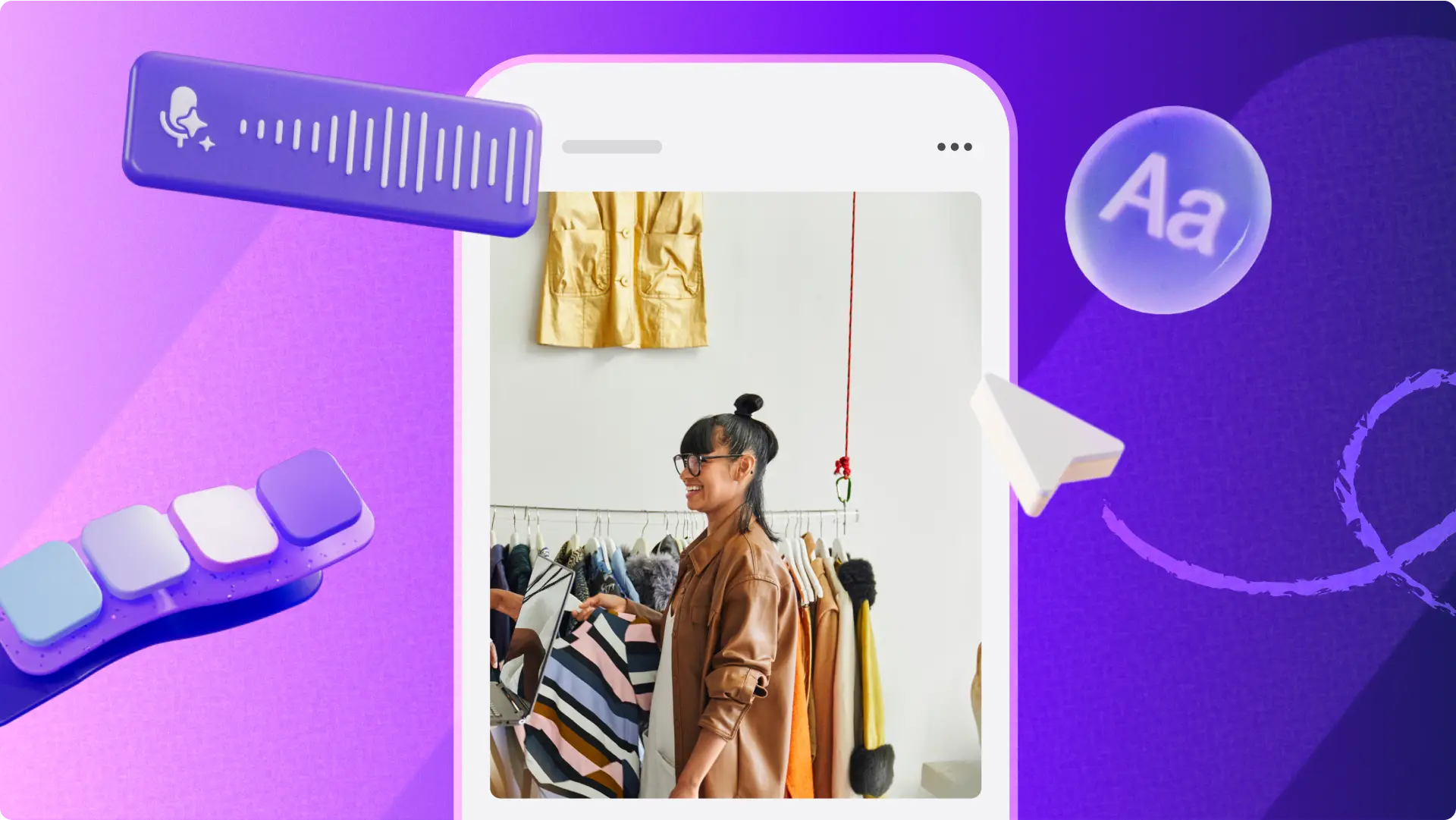
Make Reels stand out

Editable Reel templates
Get started with copyright-free templates to help you create eye-catching Reels in any genre like travel Reels, promos, recipe videos, and vlogs. Customize your video even further using the content library or upload your own video clips and brand logo to tell your story.

Insta-ready graphics and effects
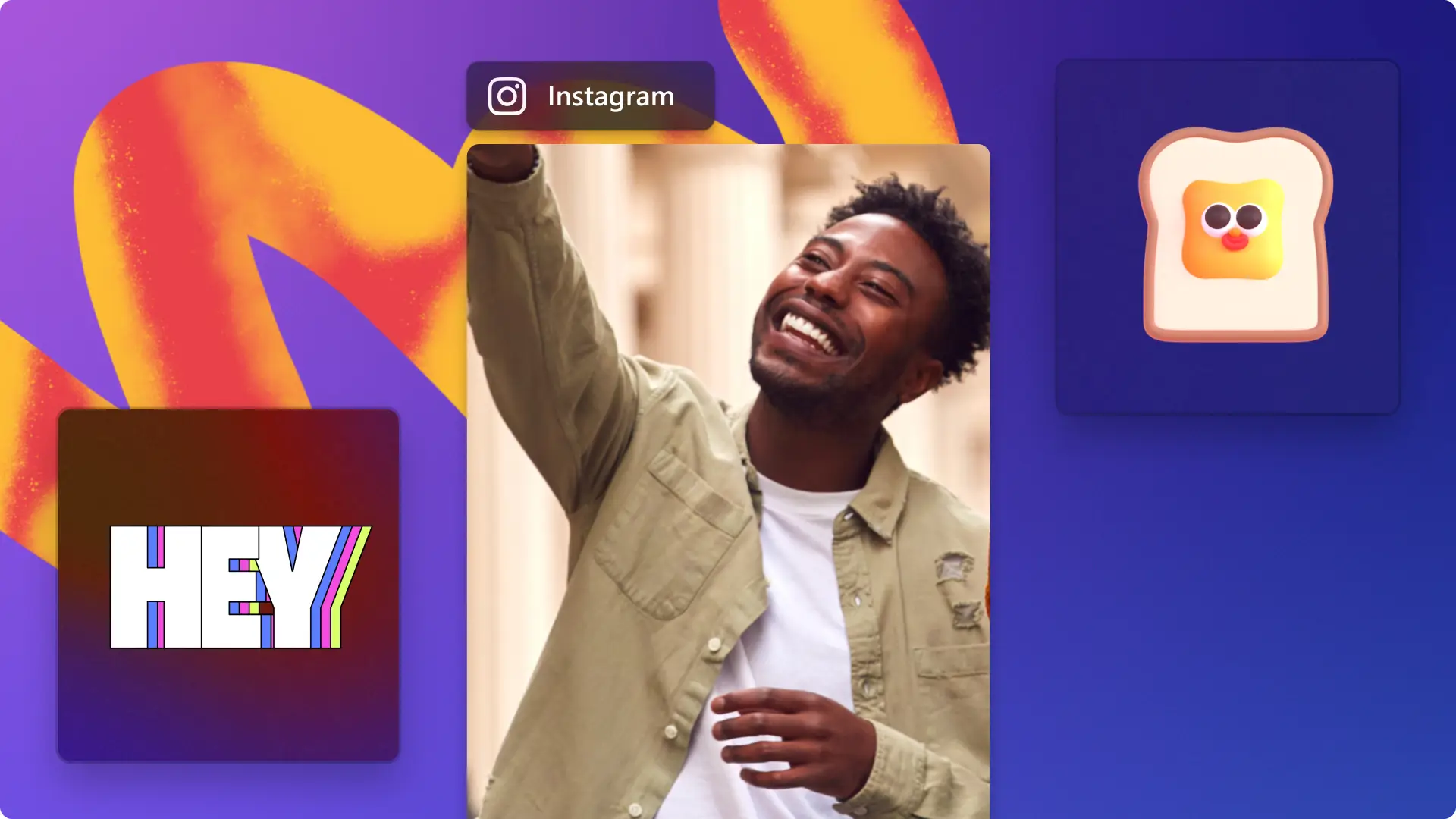
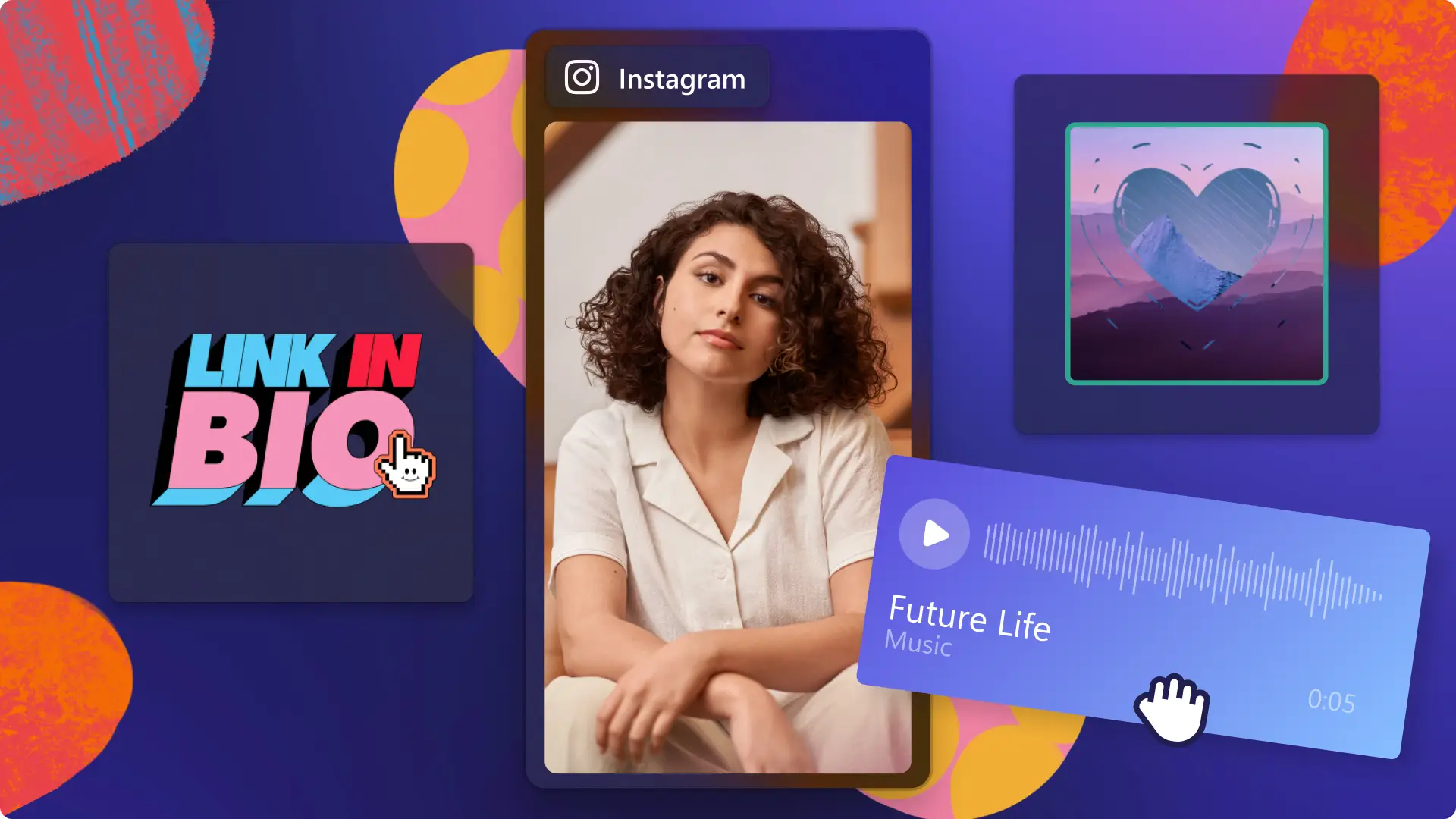
Create engaging Reels with transitions, animated graphics like ‘link in bio’, and Instagram handle text overlays. Color grade videos with cinematic filters and try video effects like blur and slow zoom to hook viewers.

AI-powered video tools
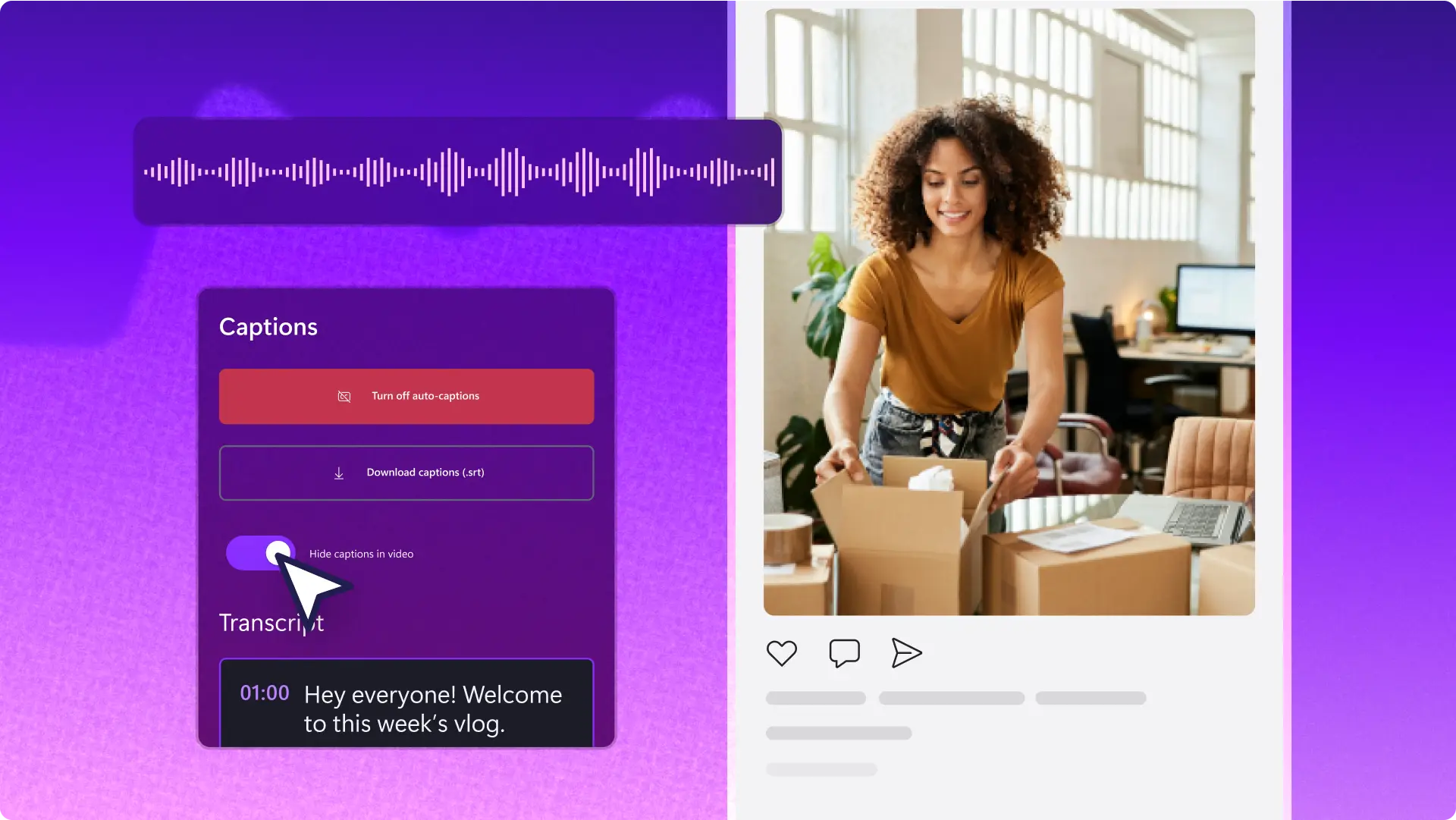
Enhance Reels with realistic AI voiceovers and captivate viewers with automatic subtitles in stylish fonts. Explore more intuitive AI features like auto compose to transform your photos into slideshow Reels and auto cut to edit talking head videos fast.
Effortlessly create Reels for every need
Start from a blank canvas or choose a beautifully designed template to make Reels from photos and videos.
Bring aesthetic Reel ideas to life like travel highlights, lifestyle, and celebration videos with polished effects.
Grow business awareness with product demo videos, behind-the-scenes Reels, and reviews with call-to-action graphics.
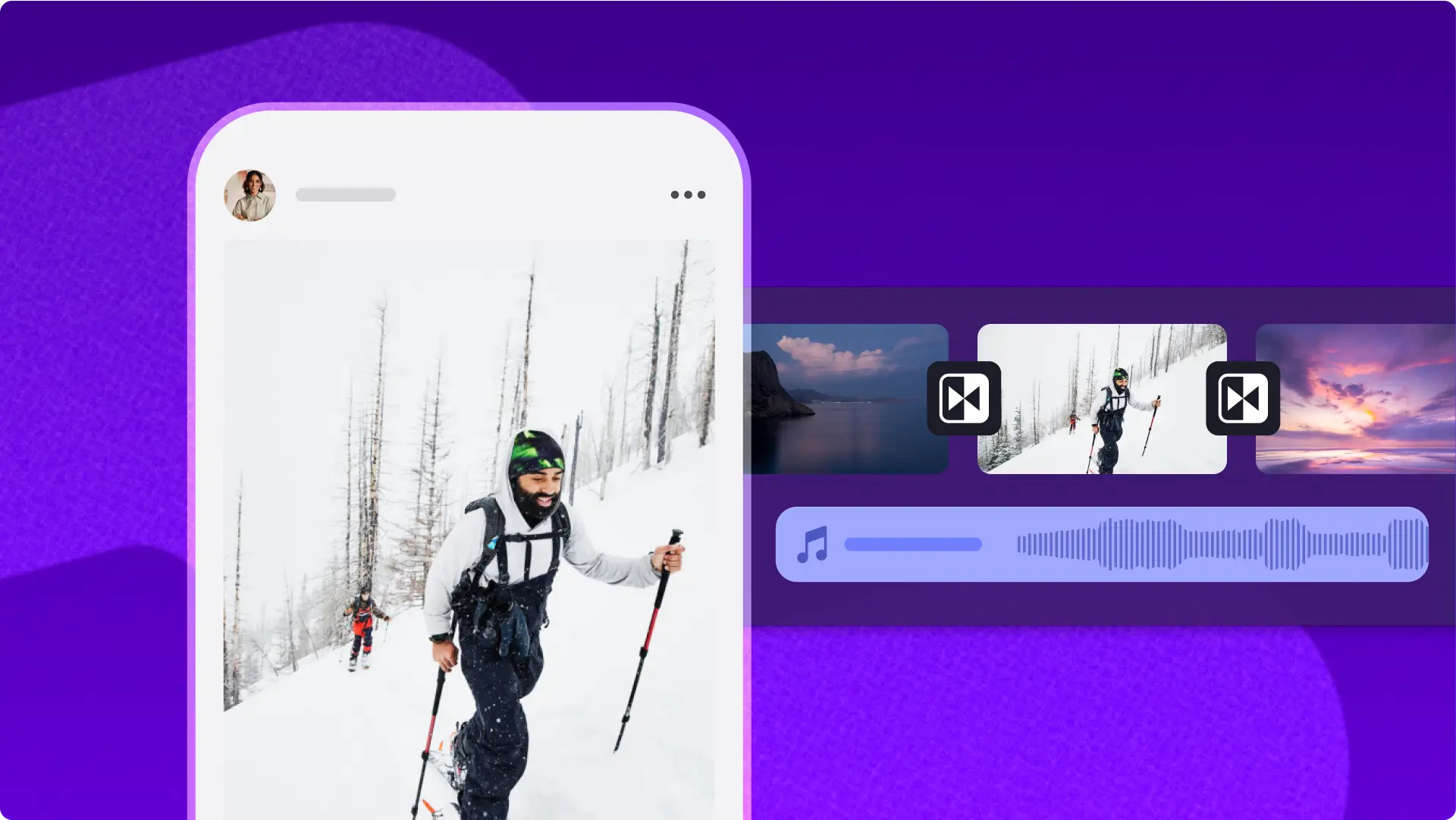
Smartly edit Reels with AI
Generate polished short videos with autocompose, perfect for batch creating highlight videos for Instagram.
Help viewers focus on your voice by removing background noise from outdoor Reels footage with AI.
Make AI voiceovers in global languages, choosing from 400 unique voices, to narrate day in a life Reels, demo videos, and more.
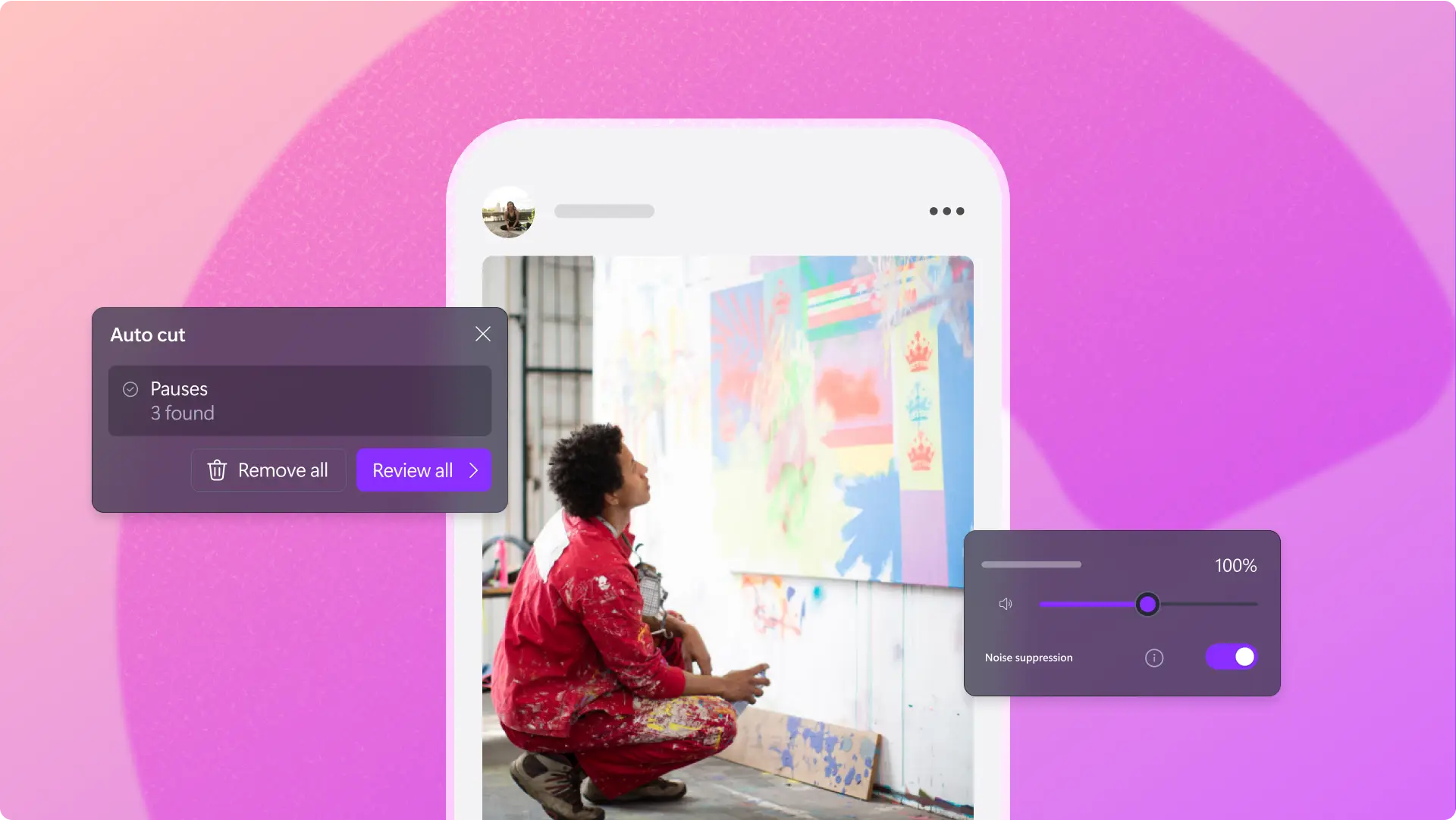
Quickly repurpose Reels
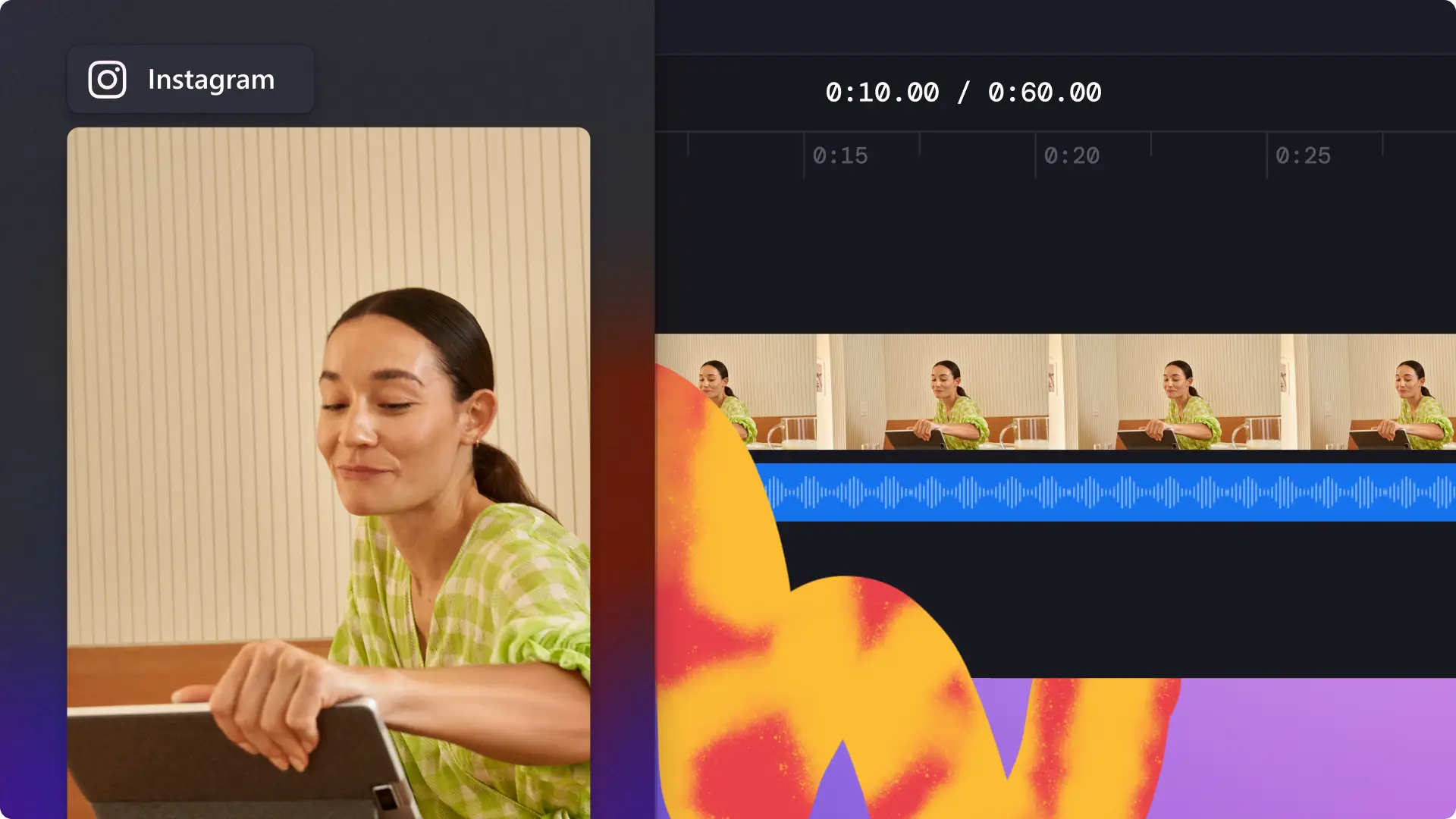
Maximize content reach by resizing existing videos to suit Instagram Reels specs using the 9:16 aspect ratio preset.
Reshare YouTube videos as Reels by trimming the length or creating a series of dynamic short videos.
Repost Reels on other platforms by using the blur effect to remove black borders or fill blank background space.
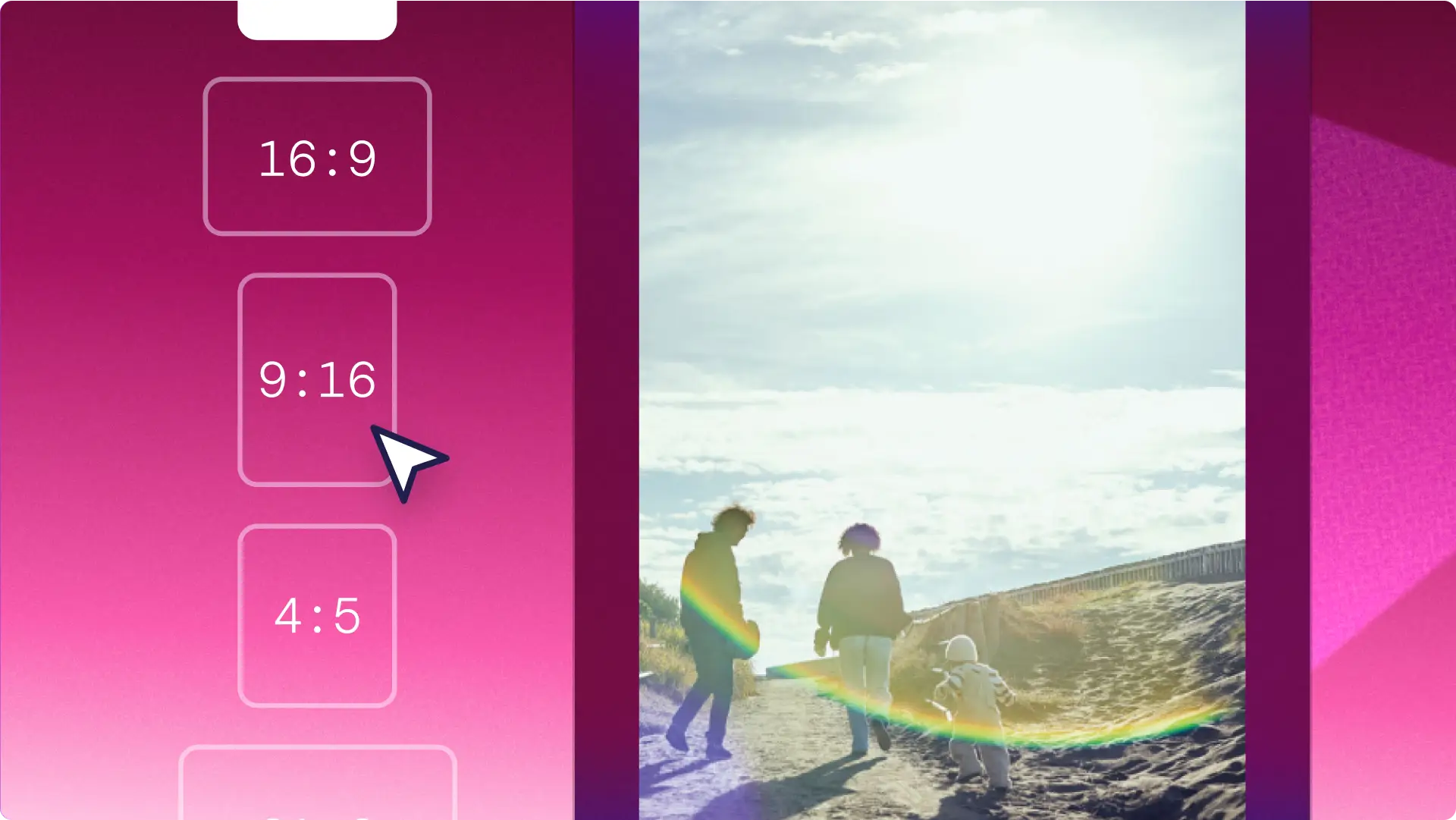

Learn how to make a Reel
Read this step-by-step guide to learn how to create a Reel from scratch or customize Reel templates with branding, music, and more in Clipchamp.

Master Instagram video editing
Want to continue learning how to create memorable Instagram videos? Explore our top tips and templates on Instagram formats like Stories and Ads.
Frequently asked questions
How can I upload my video files into the Reel maker?
It’s easy to import media into Clipchamp. Users can select the import media button to browse a device's files to upload video assets from your computer, or connect to cloud storage like OneDrive and Google Drive. Video files can also be dragged and dropped directly into the video editor.
Can I make Reels with existing videos?
Start by uploading your videos to the Clipchamp Reel maker. Next, split the videos to trim and tidy the footage, then combine the clips you’d like to showcase as a Reel. Add text, royalty-free music, animated graphics, and save your video in 1080p HD video resolution. We recommend posting 60-90 second Reels to maintain your viewers’ interest.
Does Clipchamp have a mobile app?
The Clipchamp mobile app is available exclusively for Apple iOS smartphones and can be accessed using a personal account. It’s a great option for creators who would like to make Reels on the go.
Can I add music to my Instagram Reel?
Background music can take your Instagram Reel from good to great. Evoke all the right emotions among your viewers using royalty-free and copyright-free music inside the Clipchamp content library. Explore how to put music on Instagram videos.